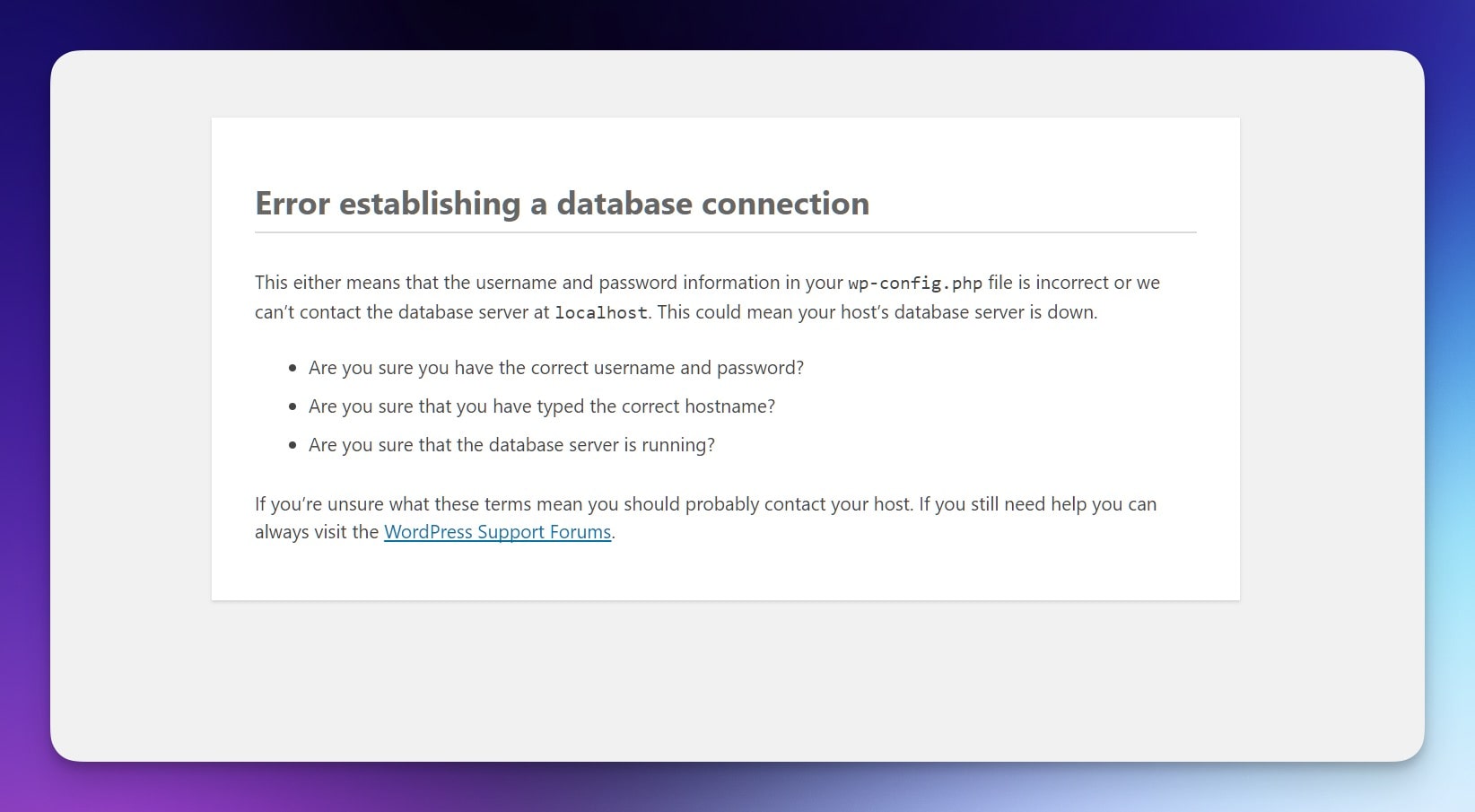
how to fix the Error Establishing a Database Connection in WordPress can feel stressful, but let’s break it down so it’s not a headache.
I’ve run into this error before and I know it can leave you feeling stuck. It often pops up after a migration, a plugin gone wild, or just a random host hiccup. The good news is this fix usually takes just a bit of patience.
Table of Contents
What Is This Error?
It’s basically WordPress letting you know it can’t connect to its database. Think of it like knocking on a locked door without the right key.
Steps To Fix It
Check Your Database Credentials In wp-config.php
- Open your site’s wp-config.php file (usually in the root directory).
- Find
DB_NAME,DB_USER,DB_PASSWORD, andDB_HOST. - Make sure these match what your host provided.
- If you changed your database password or host details, update them here.
Repair The WordPress Database
- Add
define('WP_ALLOW_REPAIR', true);to wp-config.php. - Visit
yoursite.com/wp-admin/maint/repair.php. - Use the repair tool, then remove that line once you’re done.
Check Your Hosting Server
- Log into your hosting control panel and open the database section.
- Confirm that the database is online.
- If it’s down, contact support. Sometimes it’s just a temporary glitch.
Update User Privileges
- Open phpMyAdmin (or a similar tool) and select your database.
- Check that your WordPress user has proper privileges (SELECT, INSERT, UPDATE, etc.).
- Adjust if needed and save changes.
Disable Faulty Plugins Or Themes
- Rename your plugins folder to plugins_old.
- If the site works now, one of your plugins caused the issue.
- Rename it back and deactivate plugins one by one until you spot the bad egg.
- Same idea works for your theme—switch to a default theme briefly.
Restore From A Backup
- If you have a recent backup, revert to it.
- This can fix odd issues that pop up out of nowhere.
- Consider making backups more often.
Quick Tips
- Jot down any changes you make so you know what fixed it.
- If you’re stuck, reach out to your host’s support team.
- Regular maintenance helps keep errors away.
FAQs
Why did this happen?
Sometimes it’s bad credentials, a tricky plugin, or just a random server hiccup.
Do I need special skills?
Not really. Simple file edits and a bit of patience usually do the trick.
What if it keeps coming back?
Might be time to consider switching hosts or digging deeper into your site setup.
Can I hire help?
Sure, plenty of pros can handle it for you at a reasonable rate.
That’s usually how I go about how to fix the Error Establishing a Database Connection in WordPress